A folder for every customer.
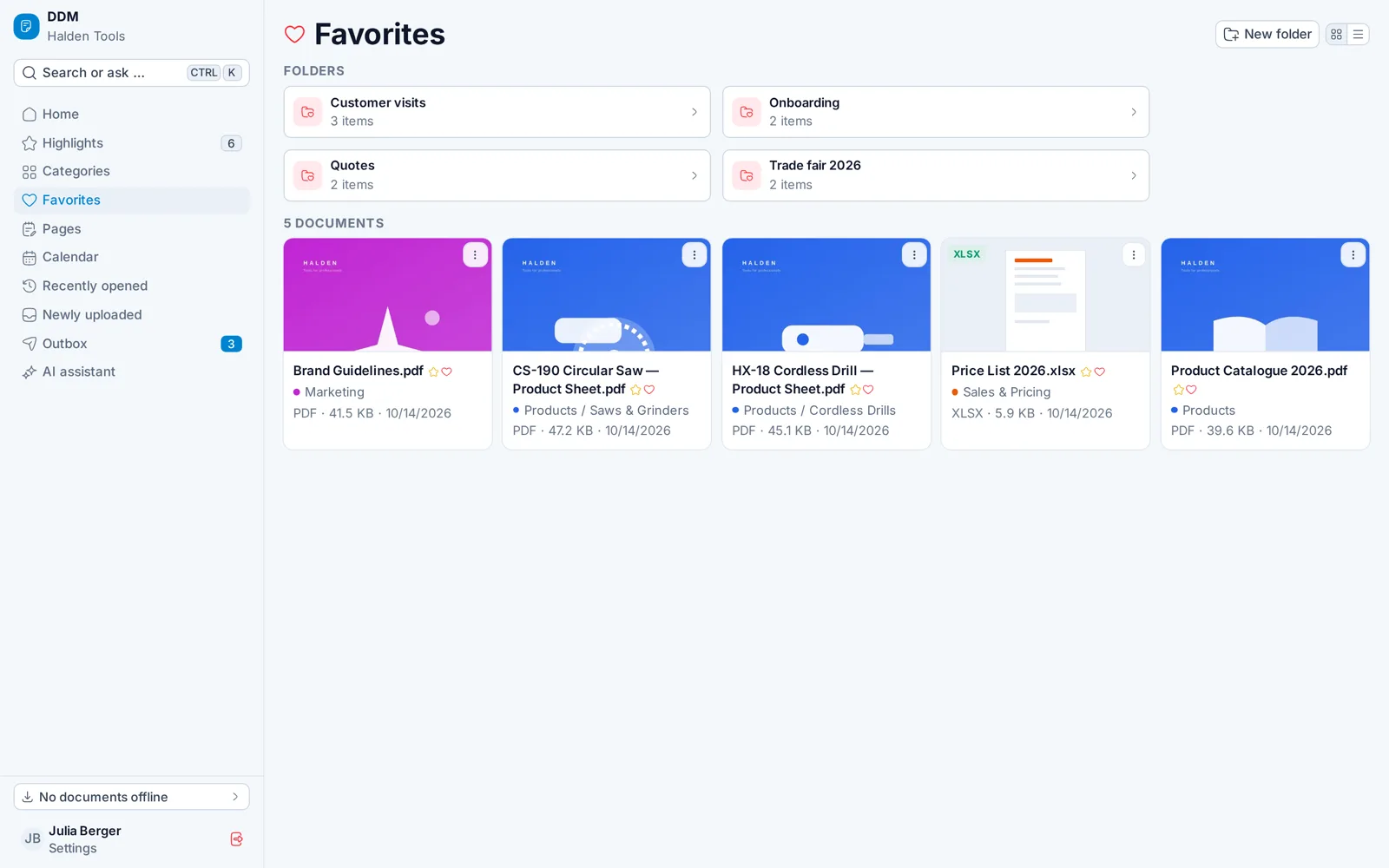
Favorites in your own folders – "Weber Construction", "Trade Fair 2026" – the same on every device.
For sales and field teams
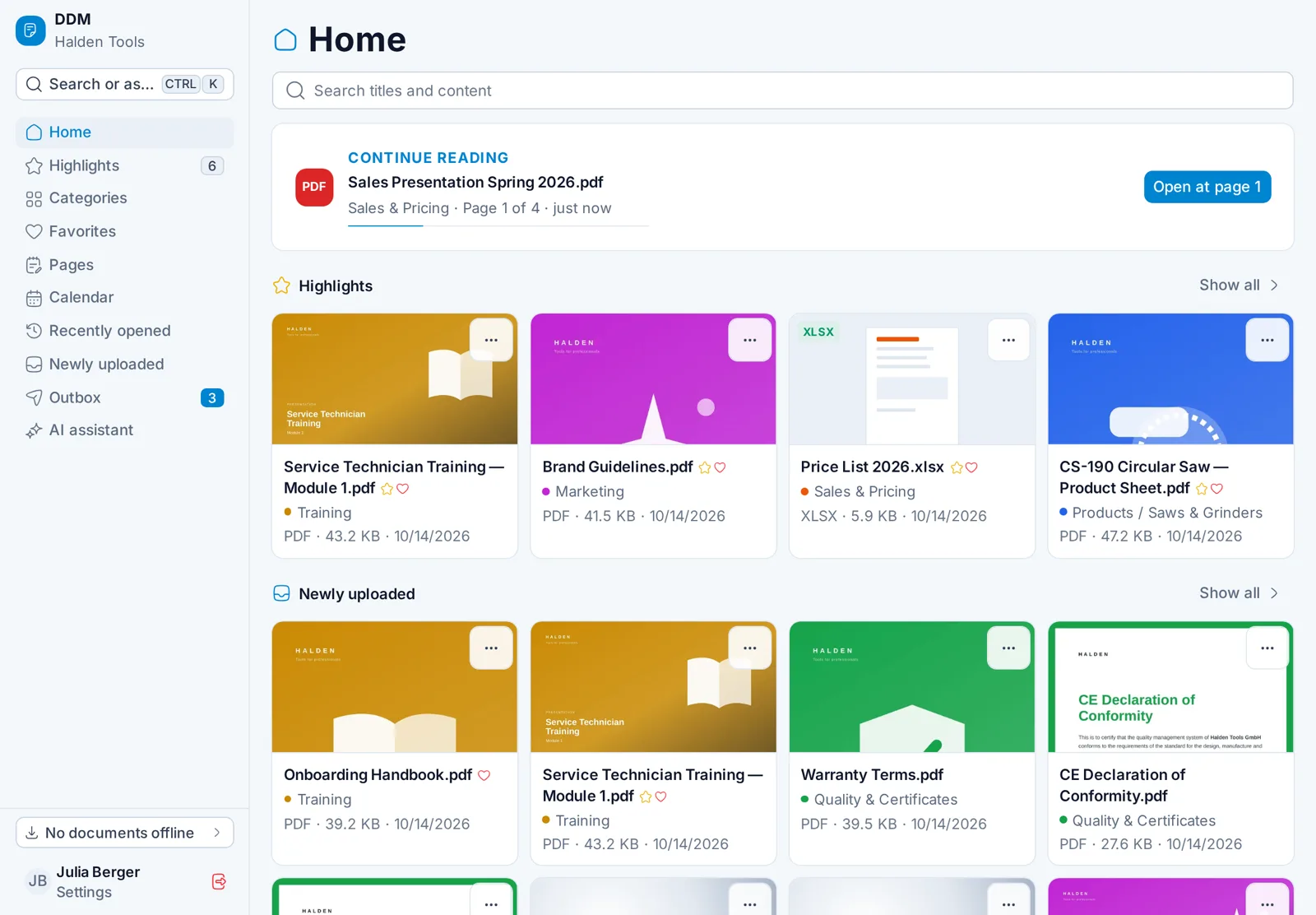
Price lists, catalogues and presentations – always current, offline too, with the customer in seconds. Kept up to date by marketing and back office in the CMS.
DDM – Document Distribution Manager
In 90 seconds
From the appointment to the presentation to the quote – and how marketing keeps it all current.
With the customer
The app for tablet, desktop and phone – installed in seconds, no app store needed.
01Always current
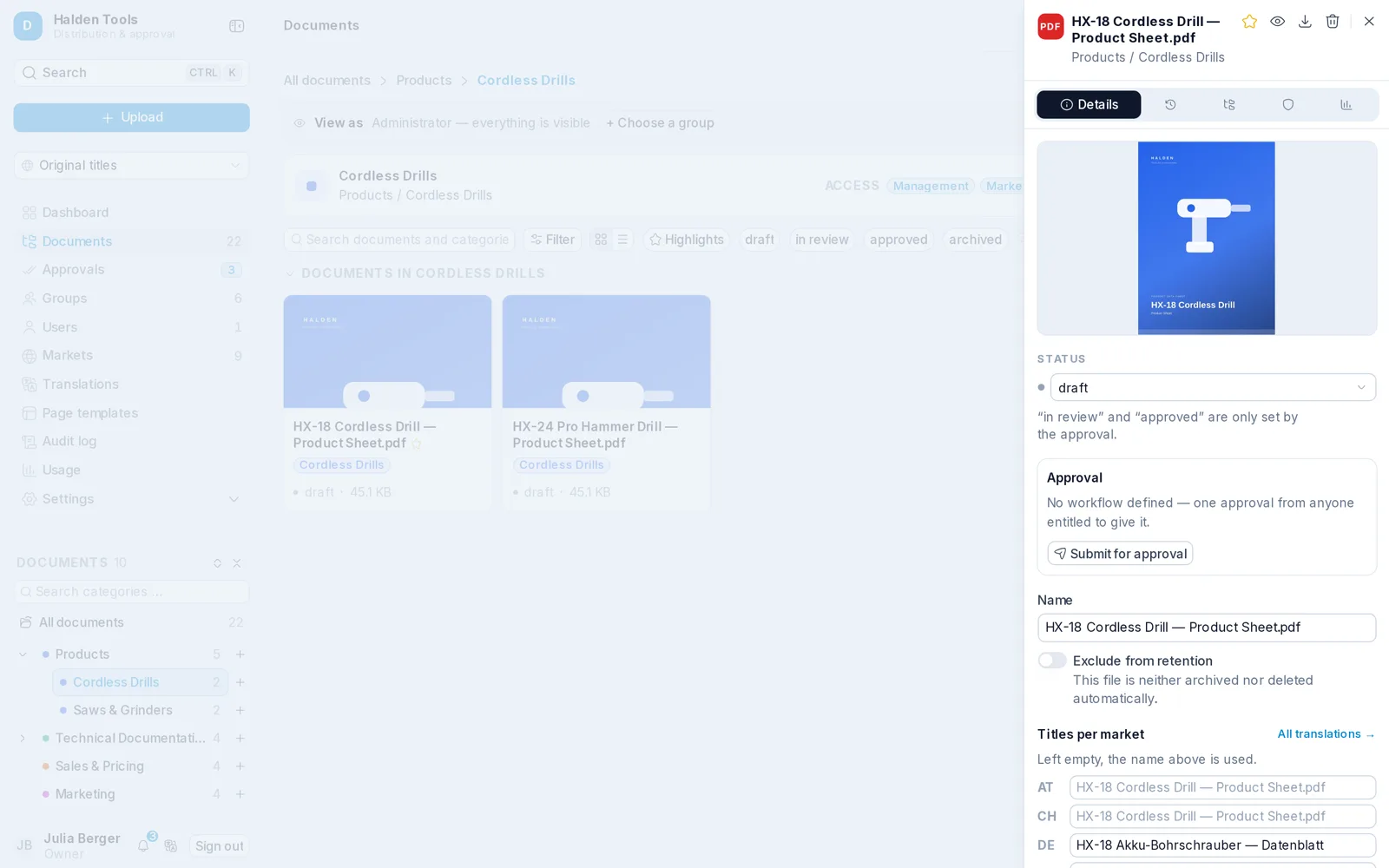
New prices, product sheets and presentations reach every device at once. Outdated versions disappear – and only approved documents reach the field.
02Answers in the meeting
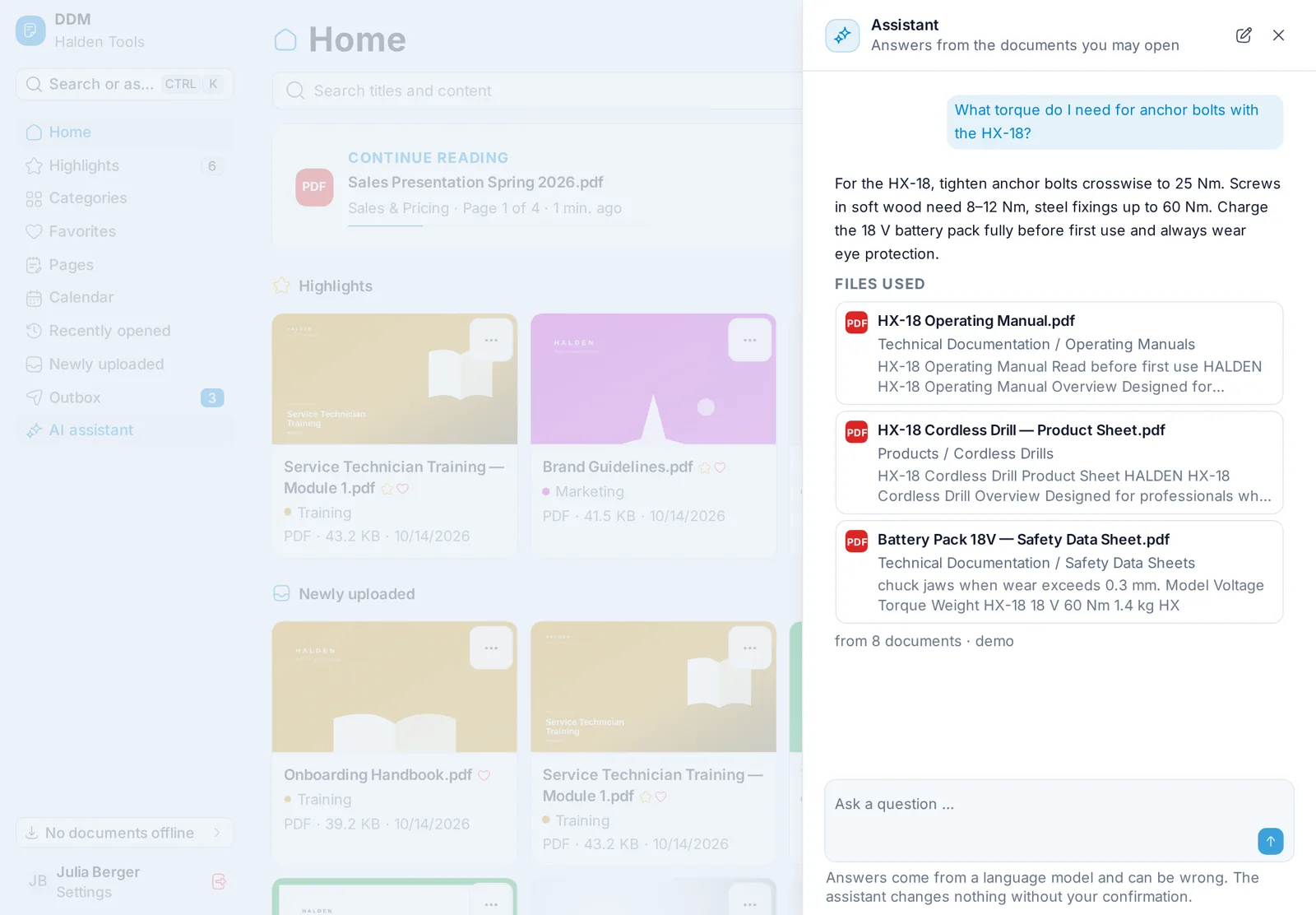
Search finds what is only inside the files. The AI assistant answers from your documents – with the source, so you can show it to the customer straight away.
03Present
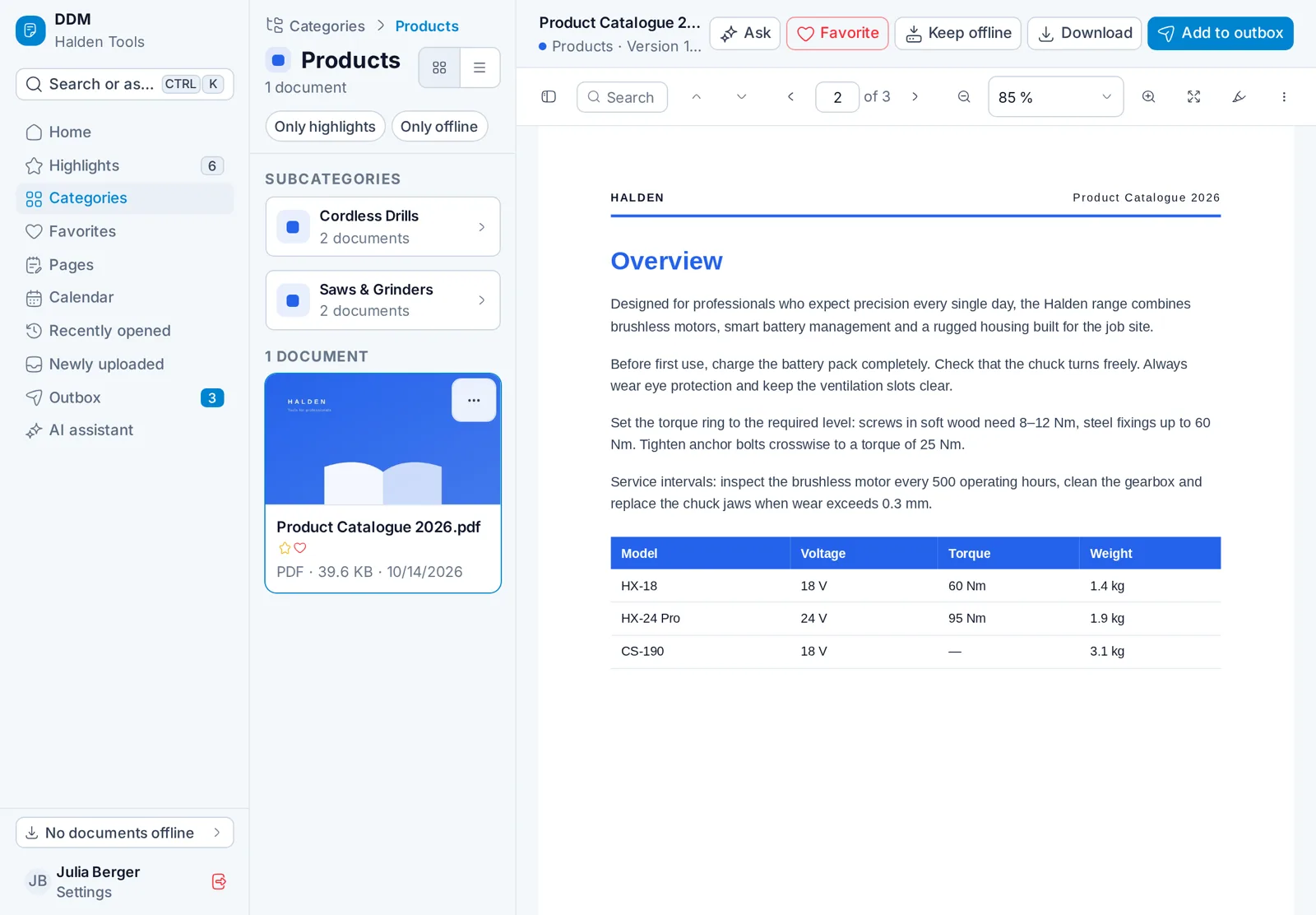
A fast viewer for every PDF that remembers your page. On a tablet or desktop, the list and the document sit side by side.
04Send to customers
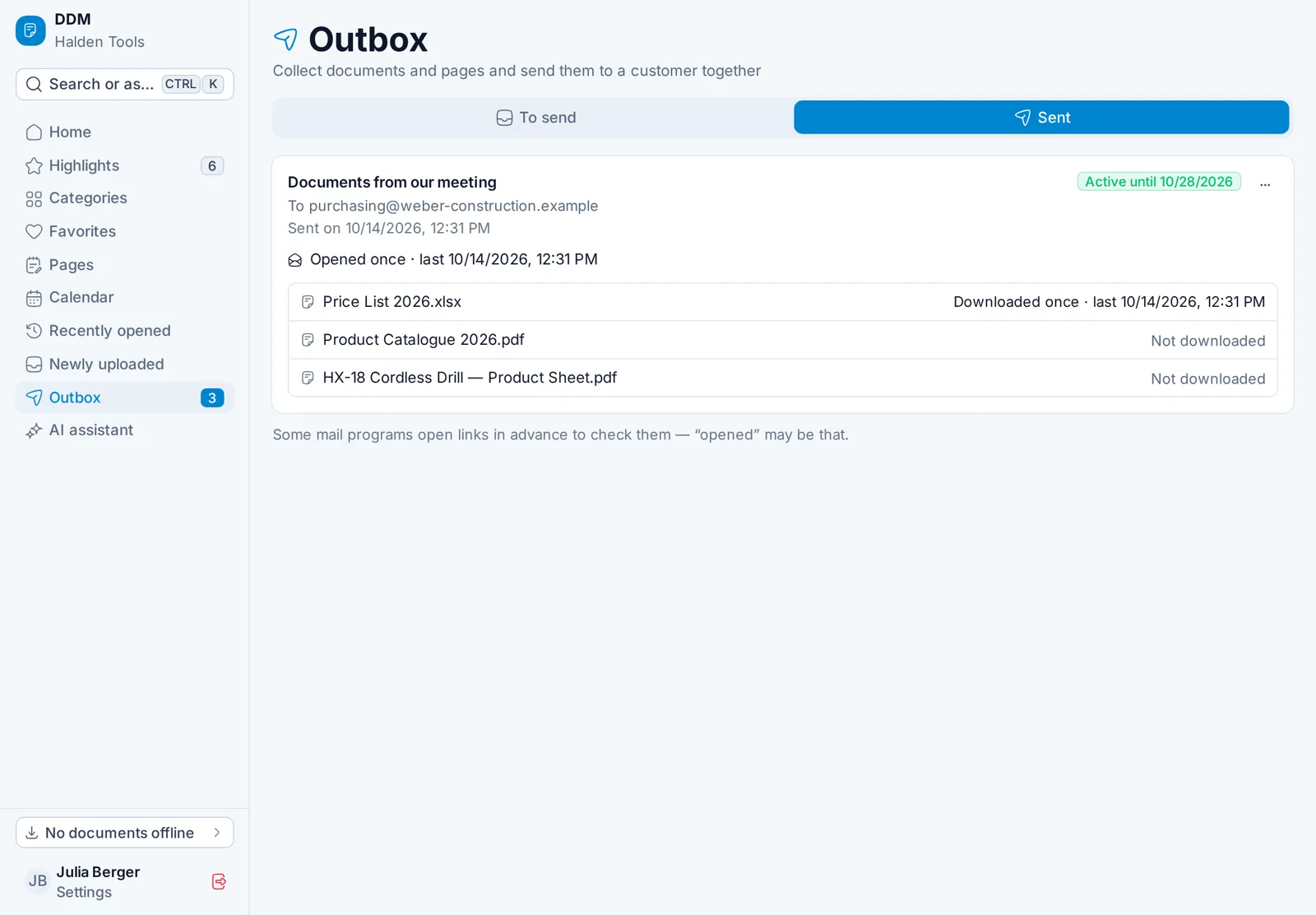
Collect documents, add an address, done. The customer gets a secure link; you see when they opened it and what they downloaded.
05Calendar
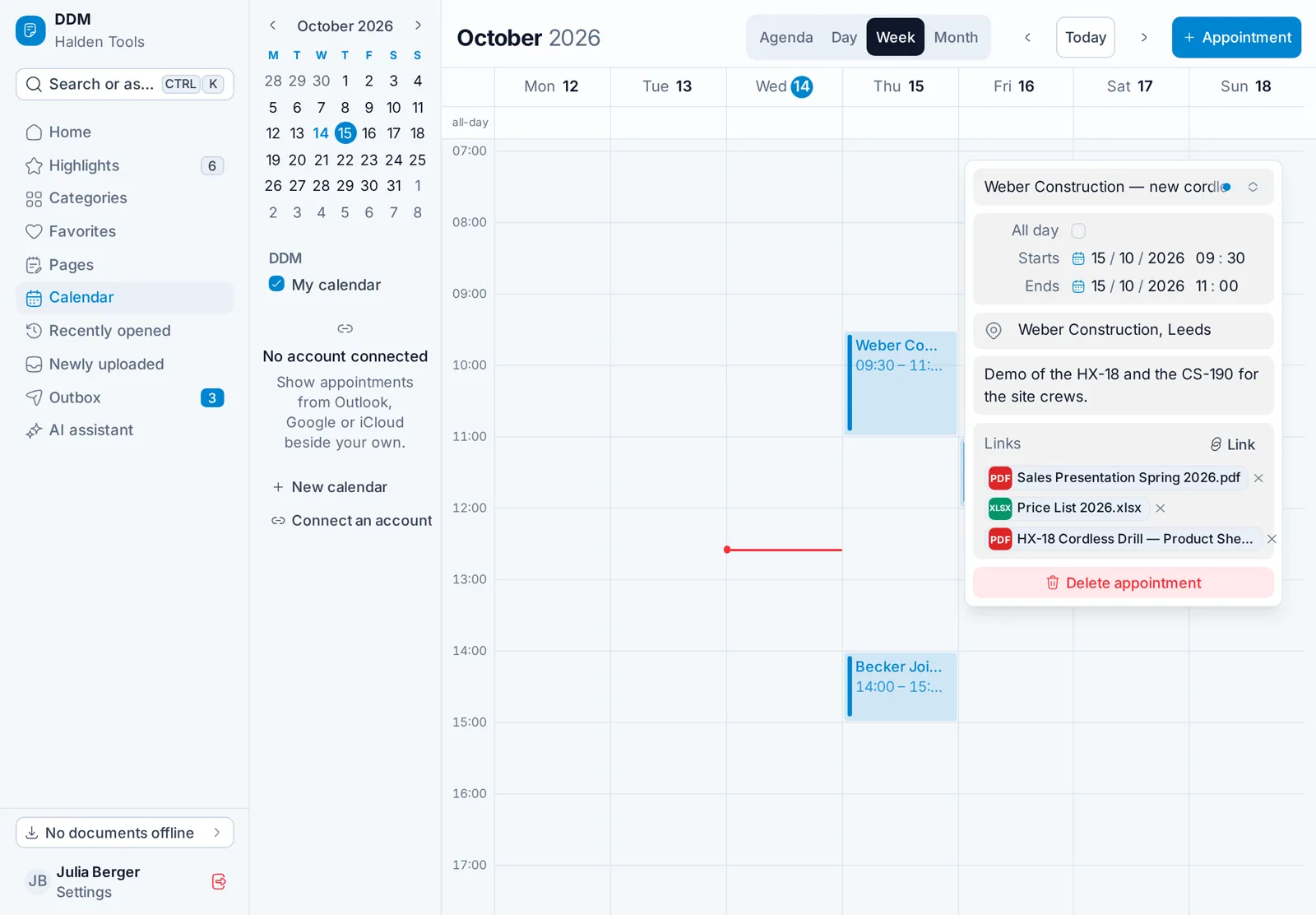
Your calendar from Outlook, Microsoft 365, Google or CalDAV – and on every appointment the documents you need for it. One tap and they are open.
06Visit reports
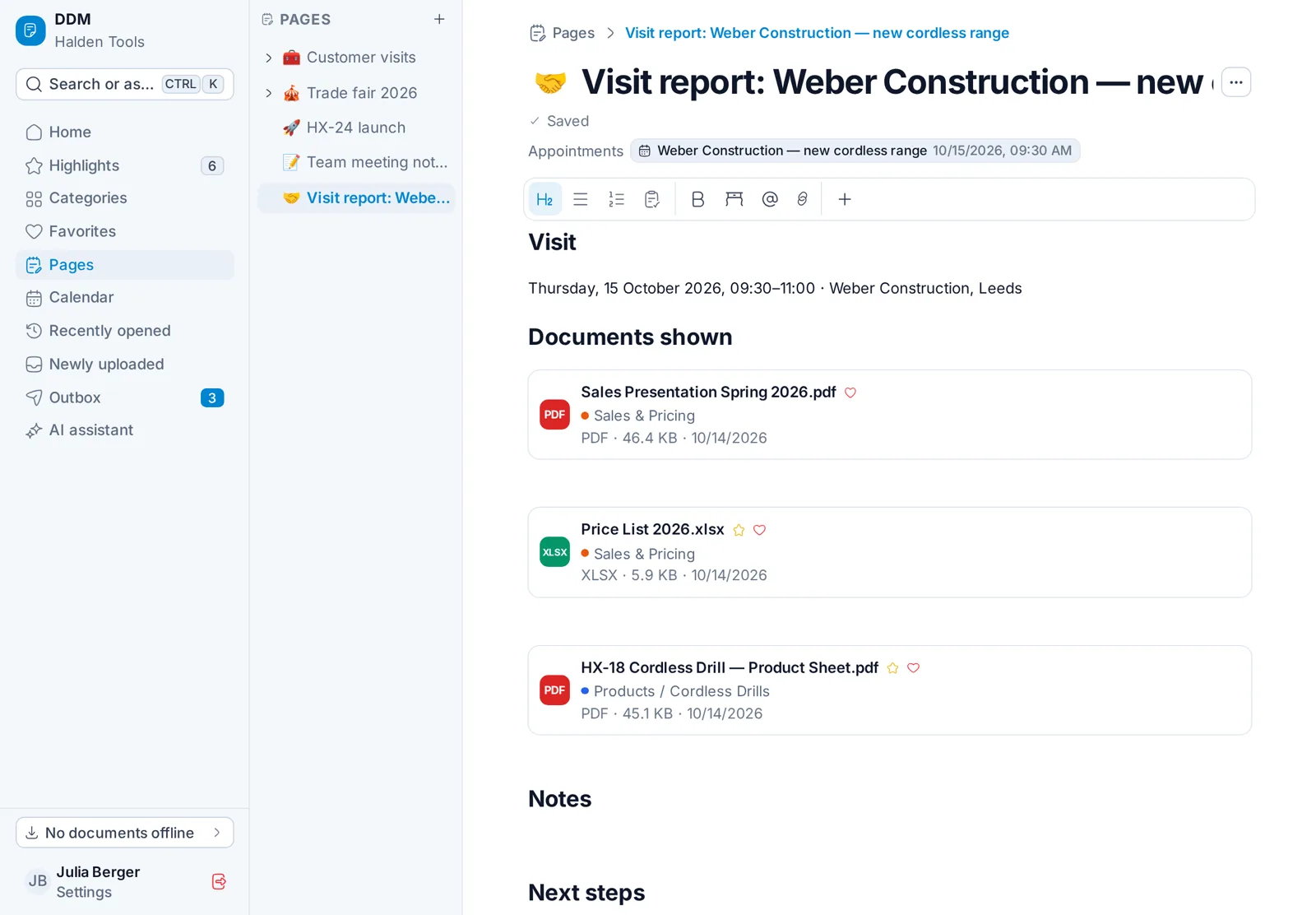
Turn an appointment into a page from your template: customer, time, place and the documents shown are already in. Add notes, tasks and tables – offline too.
07International
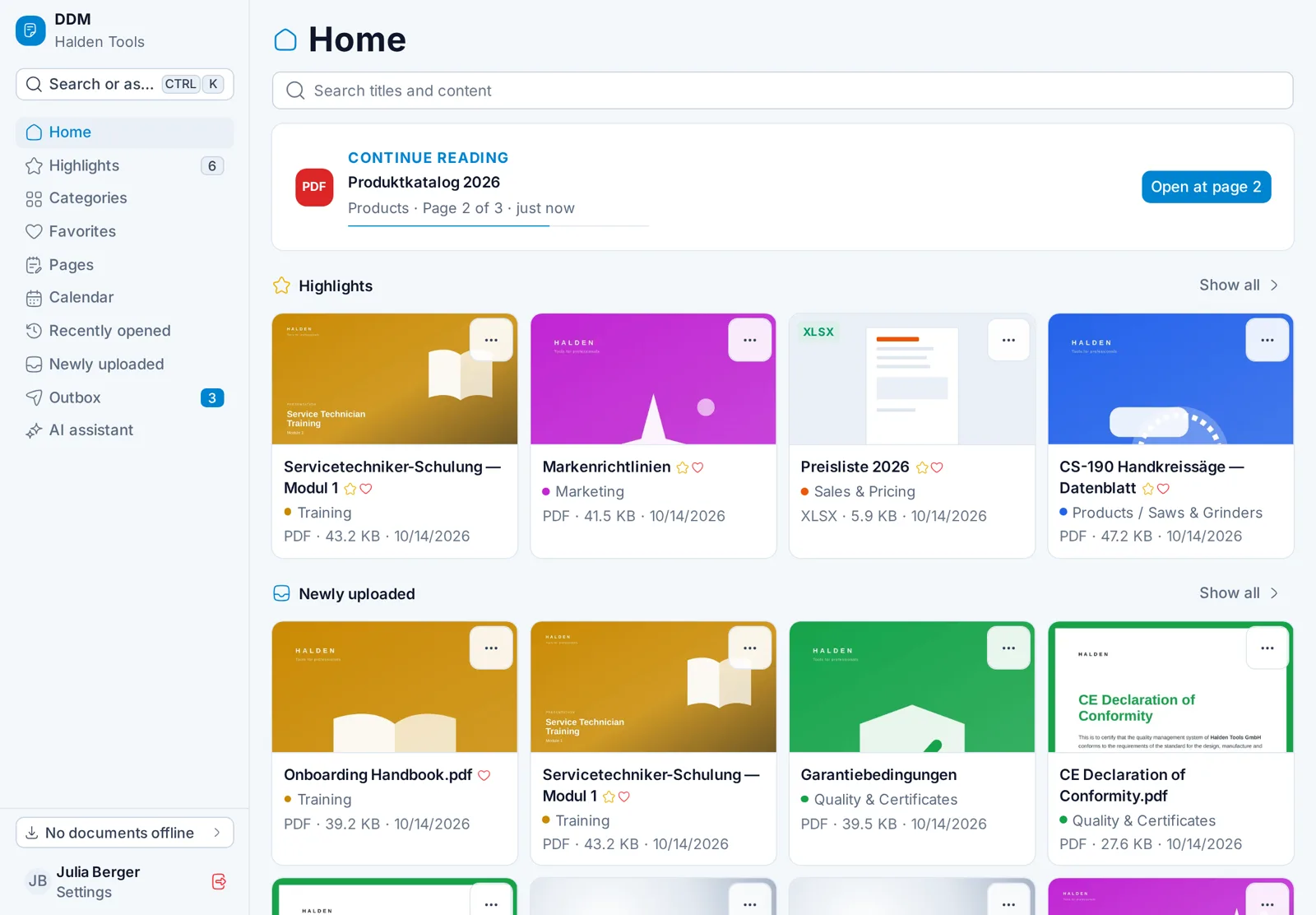
One market per country: titles, translations and imprint adapt. What you send arrives in the customer's language.
08Offline
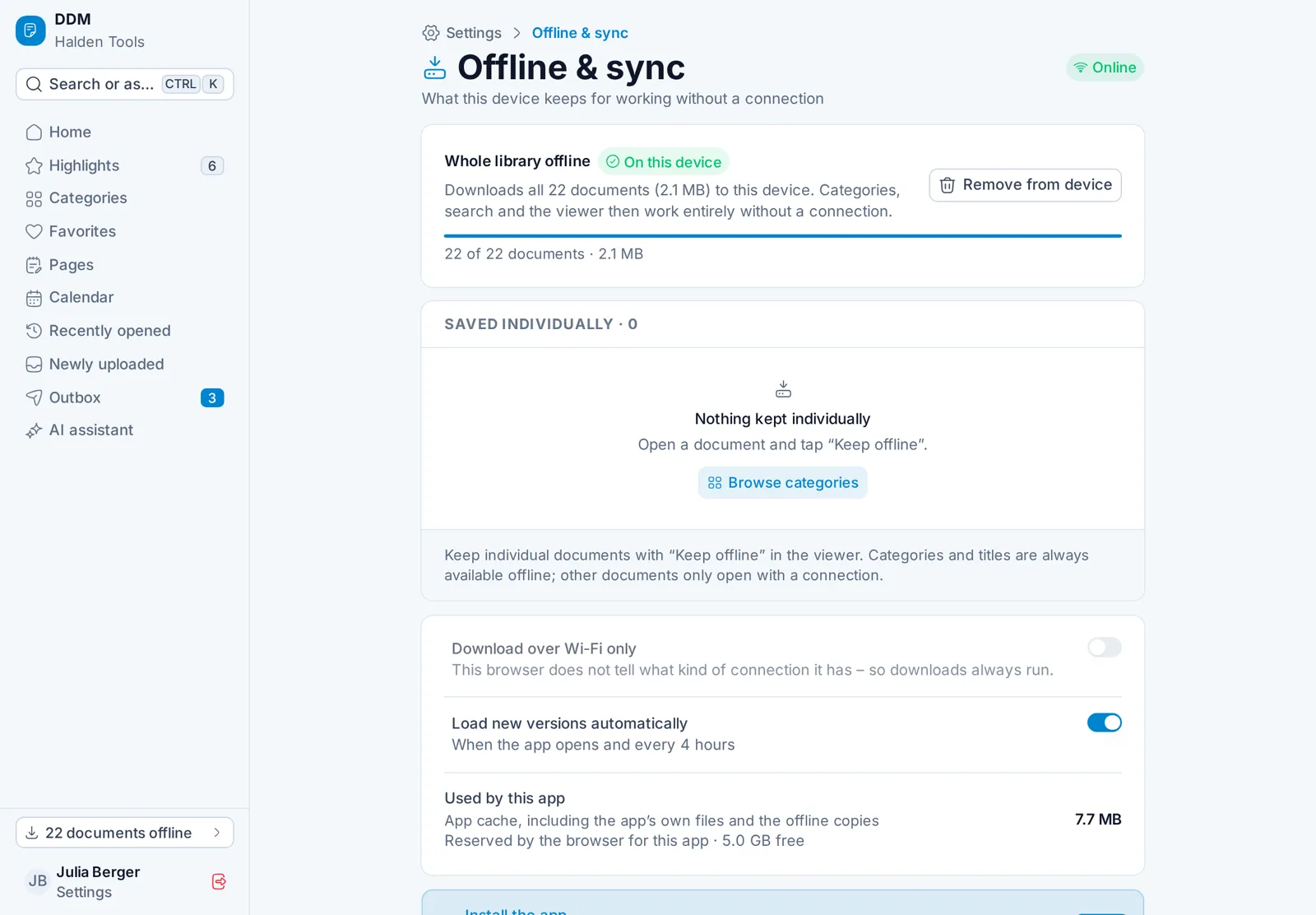
On the plane, on the shop floor, at a customer without Wi-Fi: single documents or the whole library stay on the device and sync again once you are back online.
At the desk
Favorites in your own folders – "Weber Construction", "Trade Fair 2026" – the same on every device.
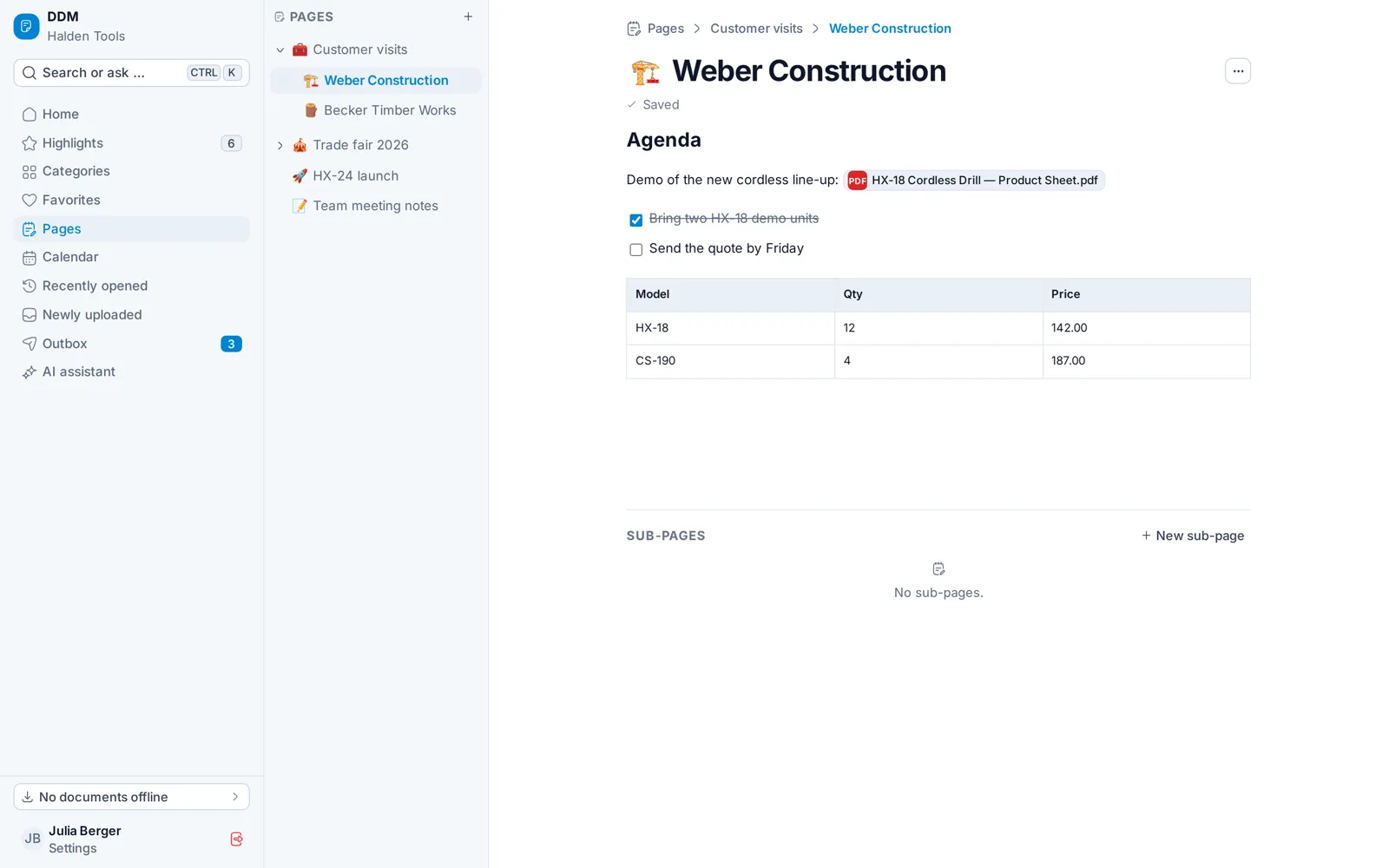
Headings, tables, pictures and tasks – and "@" for any document, category or folder.
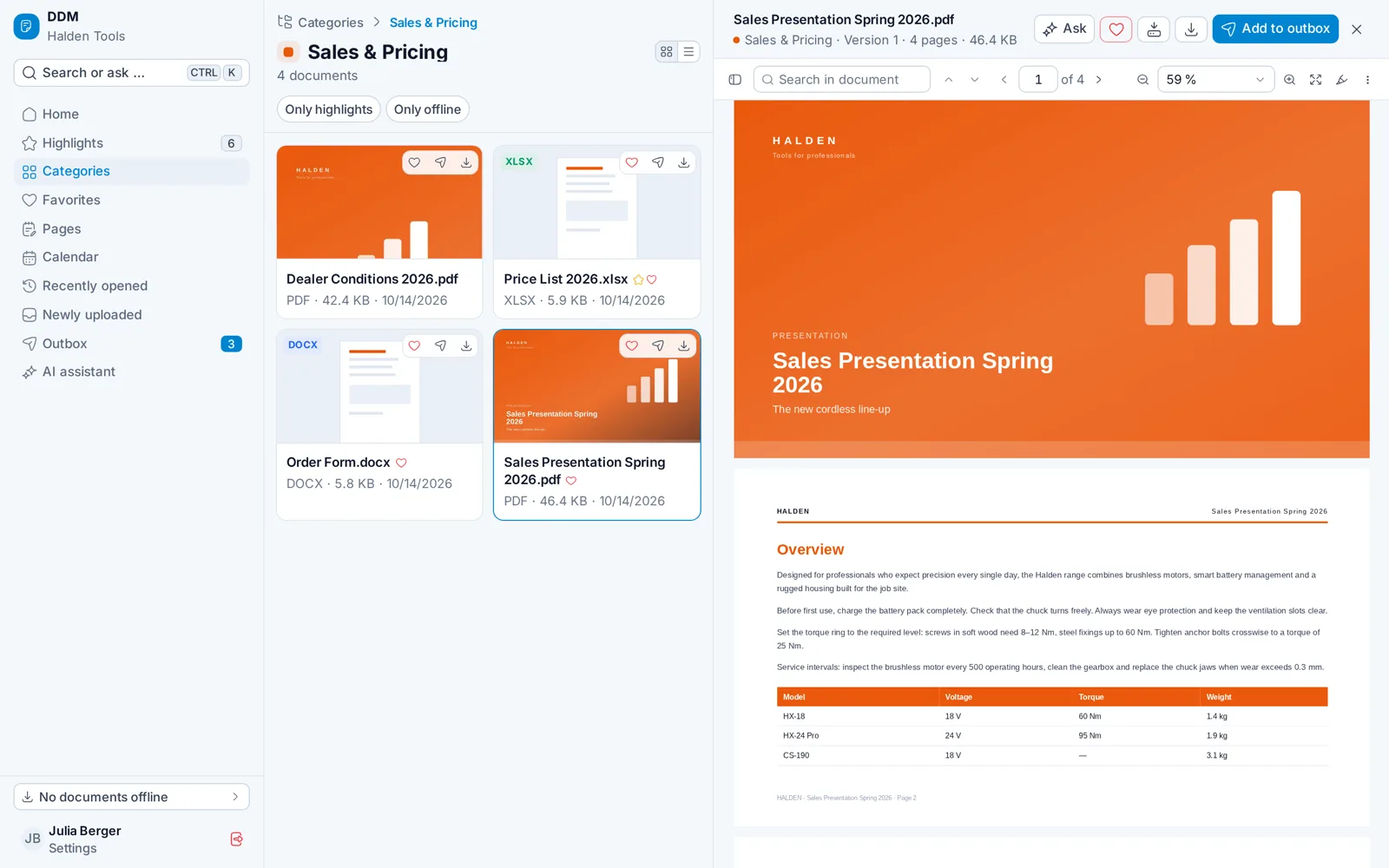
Browse the category while the document stays open next to it.
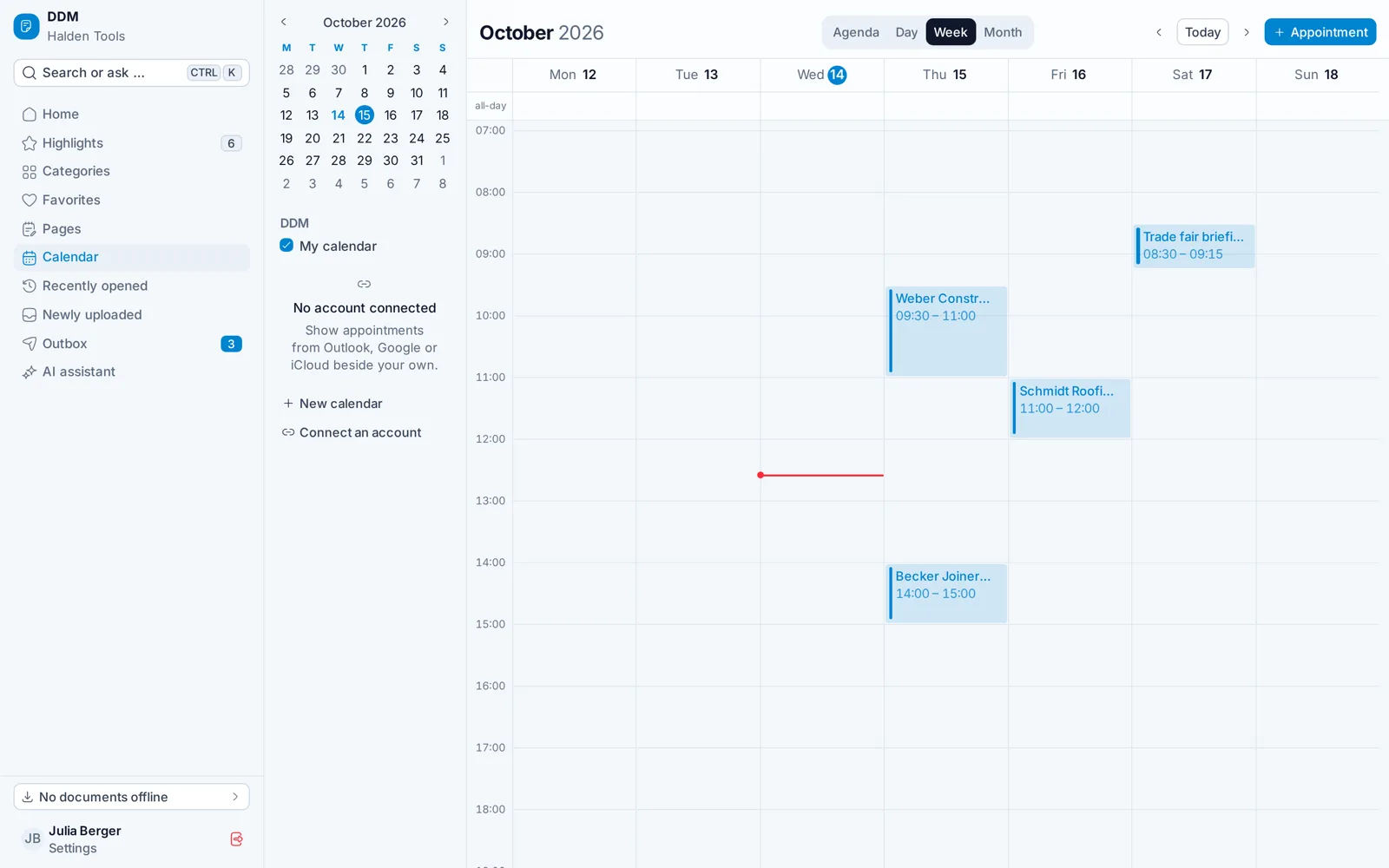
Day, week or month – synced with your calendars from Outlook, Google and CalDAV.
For marketing & back office
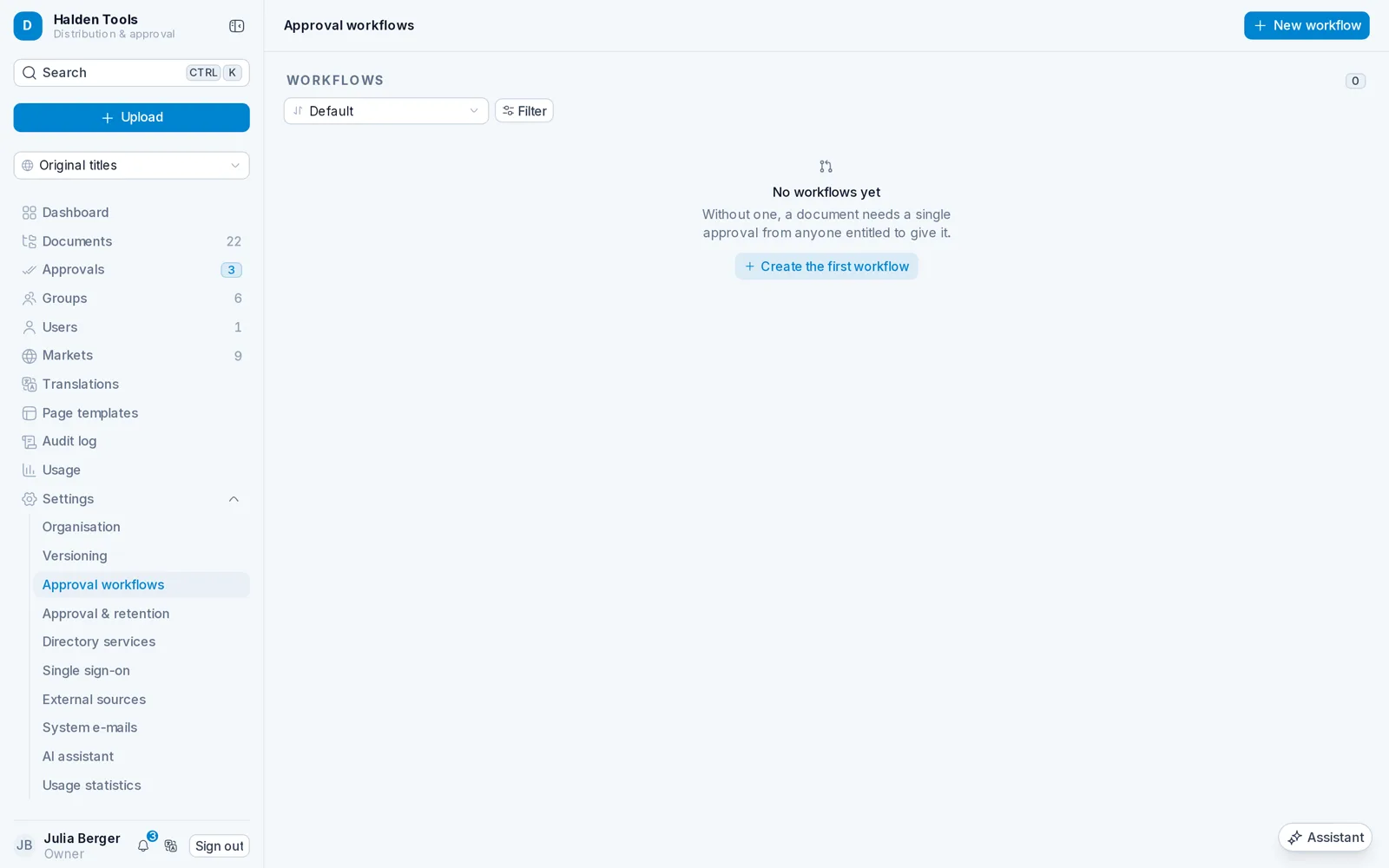
01Library & search
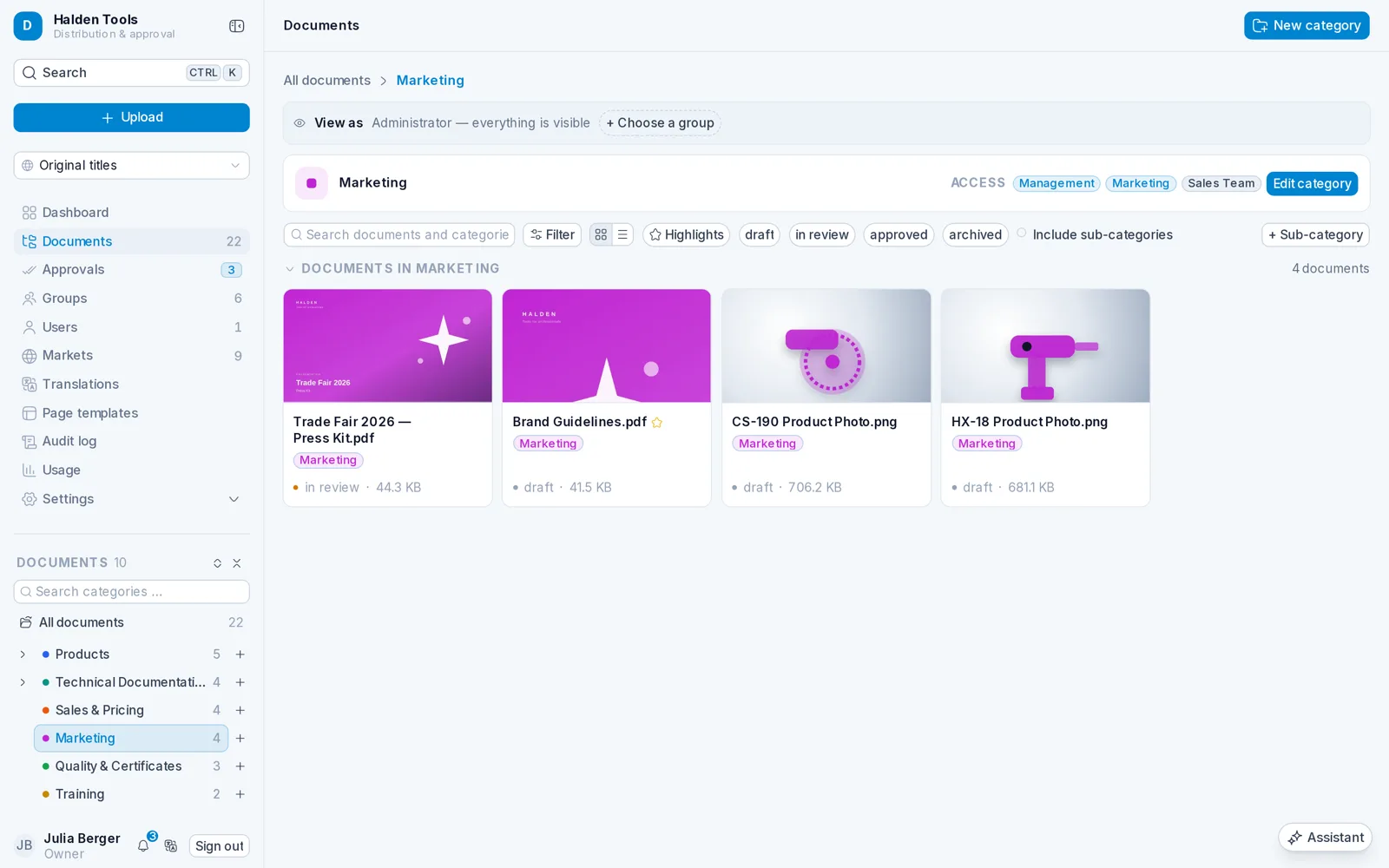
Categories like folders, with previews for PDF, Office and images. Drag in to upload, full-text search across everything – one document can live in several categories.
02Approvals
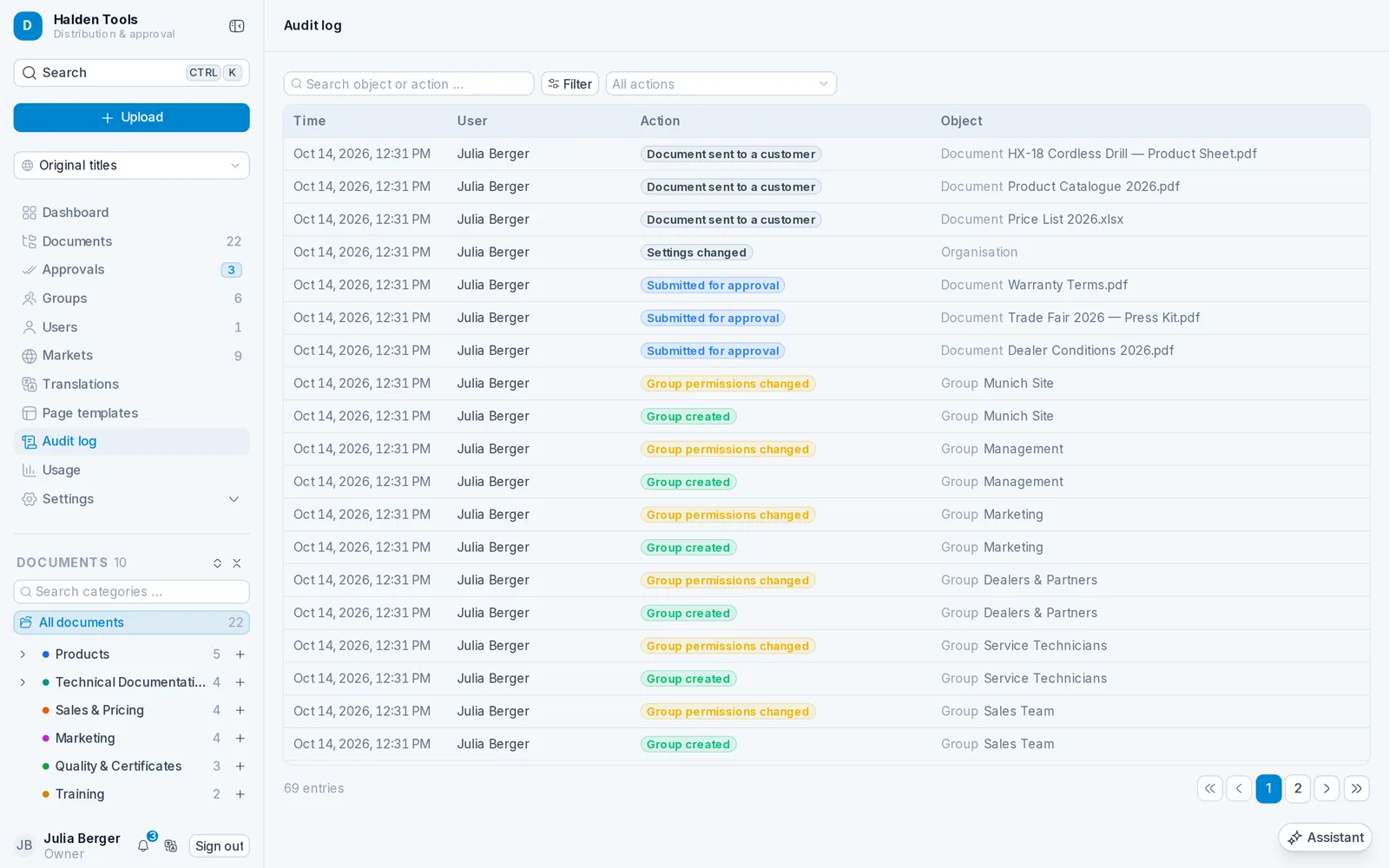
Approval workflows with steps, deadlines and deputies check every new version before it reaches the sales team.
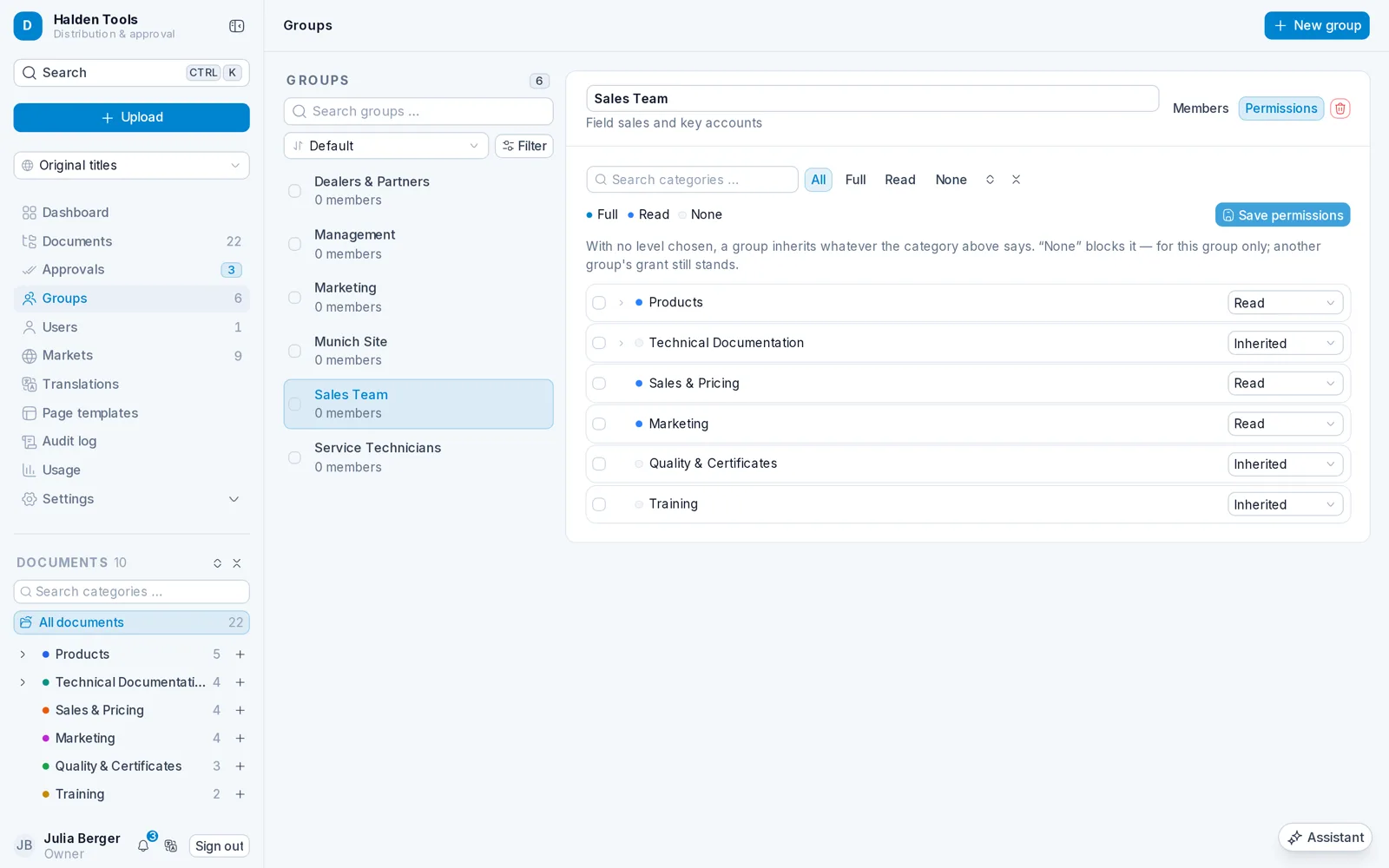
03Permissions
Permissions per group and category – sales, service, dealers. People and groups can come straight from your directory.
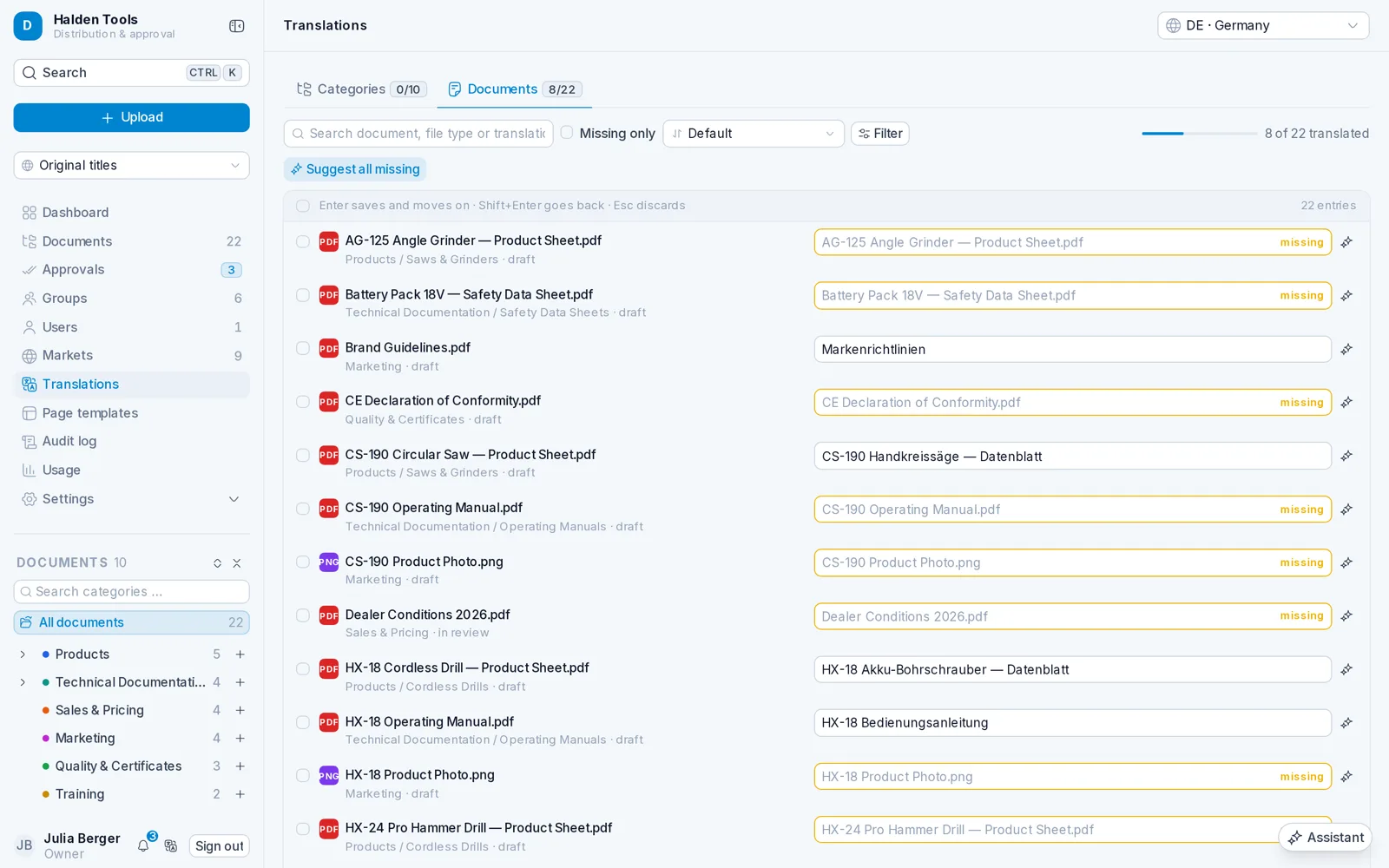
04Markets & translations
Titles and imprint per market, translations with AI suggestions – so every customer gets the documents in their language.
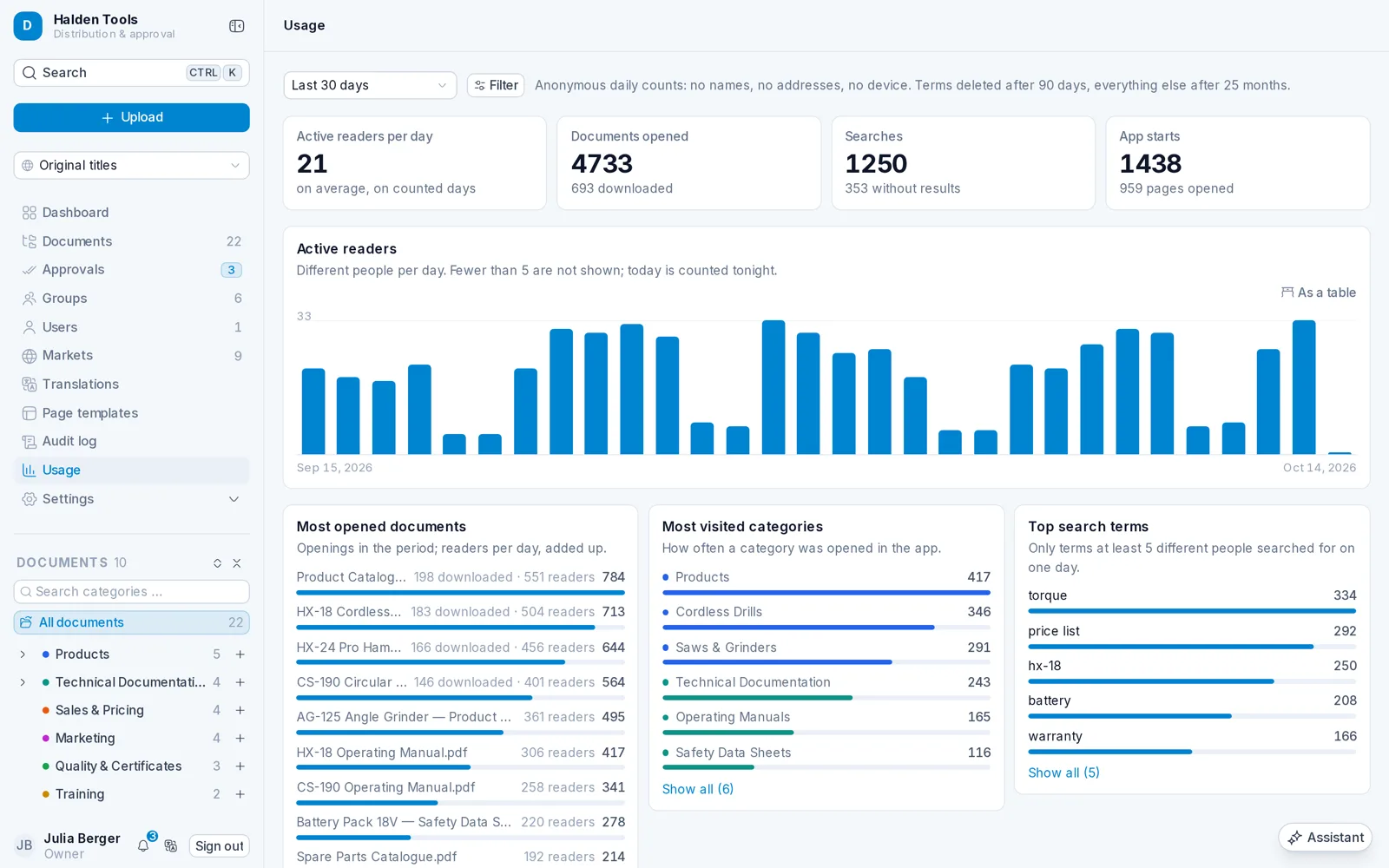
05Usage
Which documents are opened, what people search for – and what nobody finds. Anonymous, GDPR-compliant and switchable off at any time.
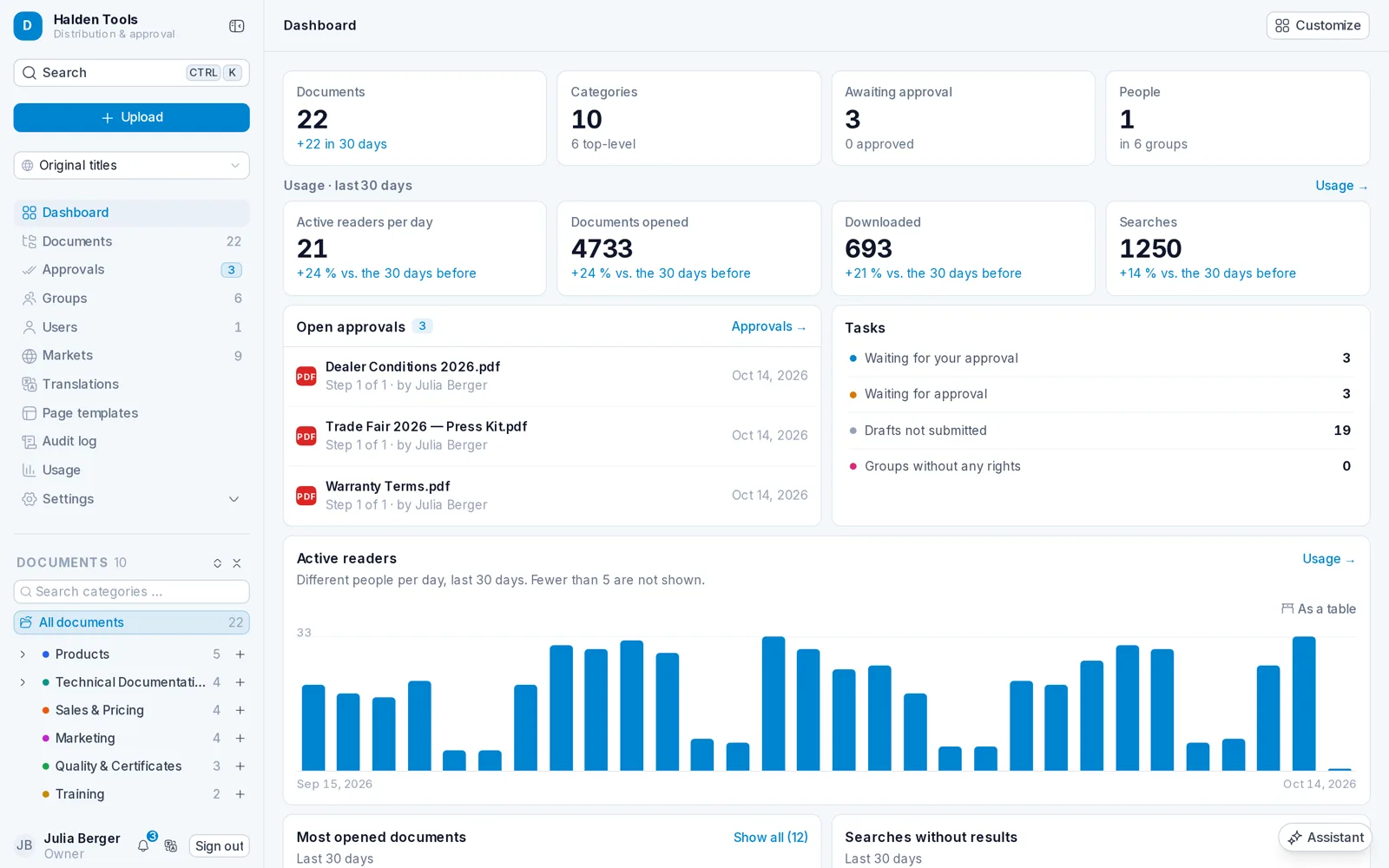
06Dashboard
Open approvals, tasks, usage and activity – everyone arranges their own widgets by drag and drop.
Every price list.
Every customer.
Everywhere.
All features
Register your company and get started in minutes.